
Spacebar Test – Check Spacebar Speed & Performance
Measure how fast you can hit the spacebar with a live counter, countdown timer and presses‑per‑second tracking. Pick a duration, press space to start, then try to beat your personal best.
0.0s elapsed
- 0.0 pps live
- avg 0.00/s
- mode 10s
Simple to Use
Start your test without unnecessary setup or configuration.
Browser Based
Access the experience directly from any modern web browser.
Clear Results
Understand your keyboard performance and timing instantly.
Fast Access
Jump right into testing with a lightweight, fast-loading page.
Why take a spacebar test?
Using a spacebar test is a simple way to measure keyboard performance, practice timing, and check hardware responsiveness.
Measure Your Spacebar Speed
Understand how quickly and consistently you can press the spacebar over a set period. It's a fun way to benchmark your keyboard speed.
Practice Better Timing
Use repeated testing to improve your rhythm and consistency. Great for typing practice or warming up before fast-paced tasks.
Check Keyboard Responsiveness
A spacebar test can help you identify unusual behavior, sticking keys, or hardware issues with your physical keyboard.
Start Instantly
Keep the experience simple and accessible. There is no account to create and no software to download—just open and test.
Everything you need for a simple spacebar test
TestSpaceBar keeps the focus on the testing experience, providing a clean interface and straightforward functionality.
Dedicated Spacebar Testing
A tool focused entirely on the spacebar, giving you a clean environment to test your key without distractions.
Speed Measurement
Measure how many times you can press the spacebar within the testing timeframe to gauge your speed.
Repeat Testing
Easily reset and retake the test to track your consistency or verify your keyboard's performance over time.
User-Friendly Interface
A minimal, distraction-free design that makes it easy to start testing and view your results immediately.
Start testing in seconds
The spacebar test is designed to be straightforward. Here is the basic workflow from opening the page to reviewing your result.
Open the Test
Access the spacebar test directly in your browser. No installation or complex setup is required.
Start Testing
Use the existing tool interface to begin the test and start interacting with your spacebar.
Complete the Test
Follow the test experience and interact naturally with the spacebar until the time is up.
Review Performance
Use the available result information to understand your speed and keyboard performance.
A focused spacebar test experience
TestSpaceBar exists to provide a simple, dedicated environment for testing your spacebar without the clutter of unrelated features.
Dedicated Focus
Built specifically for spacebar testing. We cut out the noise so you can focus entirely on your keyboard performance.
Quick and Accessible
Load the page and start testing immediately. The experience is fast, lightweight, and accessible from anywhere.
Clean Interface
A thoughtfully designed interface that prioritizes readability and ease of use over unnecessary visual elements.
Who uses a spacebar test?
A spacebar test is useful for a variety of people, from typing practitioners to gamers and hardware enthusiasts.
Typing Practice Users
People who want to understand or improve their spacebar performance as part of their broader typing skills.
Gamers
Users interested in keyboard responsiveness, quick repeated key interactions, and hardware consistency.
Students and Learners
Users practicing typing skills, improving keyboard consistency, and building muscle memory.
Keyboard Users
Anyone checking whether their spacebar behaves as expected or diagnosing potential hardware issues.
Typing Enthusiasts
Users interested in measuring and improving their keyboard performance metrics over time.
Tech Reviewers
Reviewers testing keyboard responsiveness and consistency before writing about new hardware.
Built for simple, focused testing
While we don't feature fake reviews, our product confidence is built on genuine usability and purpose.
Designed for Speed
We focused on making the tool load quickly and respond instantly, so you spend more time testing and less time waiting.
Clean Environment
No pop-ups, no unnecessary distractions. Just a straightforward tool that does exactly what it promises.
Consistent Experience
The interface works reliably across modern devices, giving you a dependable way to check your spacebar.
Helpful spacebar test guides
Read more about typing speed, keyboard testing, and how to get the most out of your spacebar test.
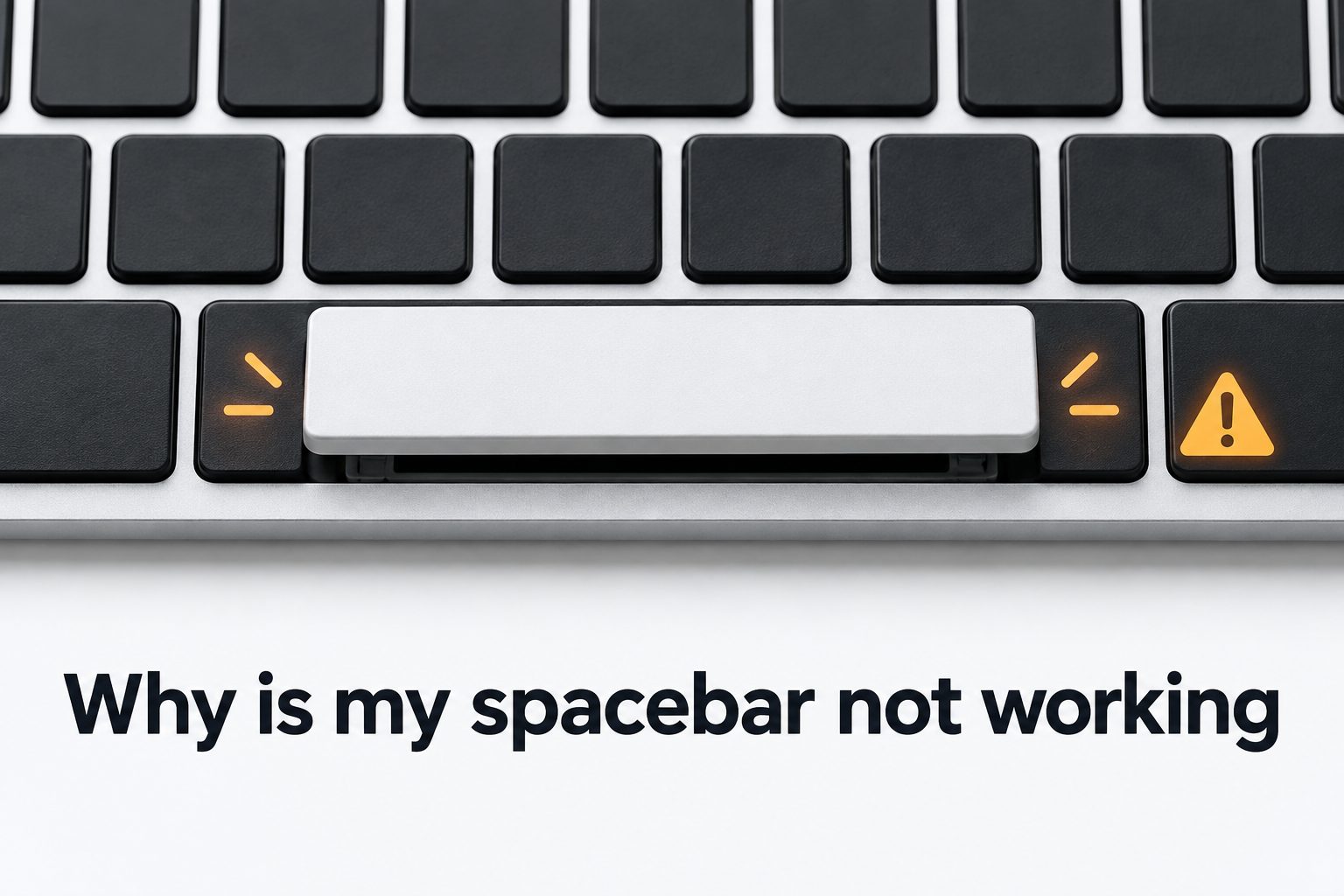
Why Is My Spacebar Not Working?
Troubleshoot a spacebar that won't register keystrokes, from dust and debris to hardware and driver issues.
Read spacebar test guides
Why Is My Spacebar Hard to Press on Mac?
Find out what causes a stiff spacebar on MacBook and iMac keyboards, and how to fix it yourself.
Read typing guides
How to Use Spacebar on Geometry Dash Mac
Get the timing and setup tips you need to jump reliably with the spacebar while playing Geometry Dash on Mac.
Read hardware guidesFrequently asked questions
Quick answers to common questions about the spacebar test.
Ready to test your spacebar?
Take the spacebar test now to check your speed, practice your timing, and see how your keyboard performs. It's free, fast, and right at the top of the page.